Exonita Grocery POS
Grocery POS
A simple counter for grocery and kirana shops: quick billing, loose items by weight, customer credit with a clear ledger, and stock you can trust.
Ready to use
Made for
Kirana shopsGrocery storesRice & dal tradersFruits & vegetablesProvision storesDry fruits & spices
What it does
Quick billing
- Scan, search or tap an item
- Loose items by weight
- Cash, UPI, card or split
Credit you can track
- Pay later for regular customers
- Credit limit and full ledger
- Receipts when they pay
Stock that tallies
- Goods receipt from suppliers
- Batch and expiry where you need it
- Daily sales and GST reports
Features
- Quick billing screen
- Scan-only billing for rush hour, or product tiles for items without barcodes.
- Loose items by weight
- The bill asks for the weight; scale barcodes with weight or price are read too.
- Customer credit and ledger
- Set a credit limit, bill on credit, take receipts, and see what each customer owes.
- Bill on WhatsApp
- Share the bill with the customer on WhatsApp, or print on thermal or A4.
- Offers
- Percentage off, amount off, and buy X get Y, applied at the counter.
- Hold and recall
- Park a bill while the customer picks one more item; serve the next one.
- Batch and expiry
- Track batches and see which items are close to expiry.
- Till and day close
- Count the cash in the till and close the day with checks.
Also included
Goods receipt (GRN)Barcode labelsGST reportsGrocery dashboardDaily summary by emailCloud data, nightly backups
How to start
- Free demoSee it running with a grocery item list.
- Items & setupWe import your items and set GST and printers.
- Hardware & trainingScanner and printer installed, you are trained.
- Go liveFirst bill on day one, with support.
Software and hardware quoted to fit your shop. Barcode scanner, bill printer and counter PC supplied and installed.
Questions
Can I sell loose items like rice and dal?
Yes. Mark an item as weighed and the bill asks for the weight; scale barcodes carrying weight or price are read too.
Can regular customers buy on credit?
Yes. Set a credit limit per customer, bill on credit, and take receipts when they pay. Their ledger shows every bill and payment.
How is Grocery POS different from Supermarket POS?
Both run on the same counter screens. Grocery POS is set up for a smaller shop with credit customers; Supermarket POS for many counters and cashiers.
Flyer and poster
Print them or forward them on WhatsApp. More on exonita.com/brochures.
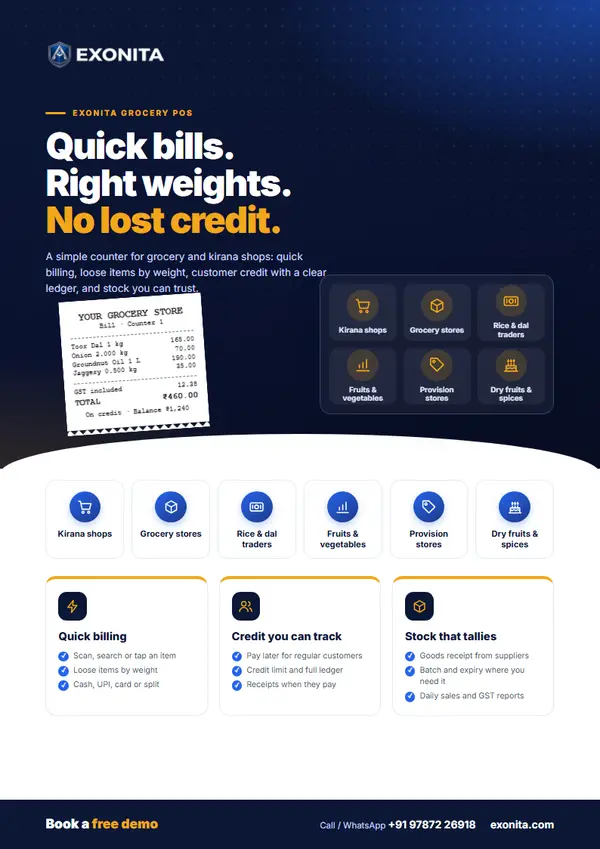
Flyer
Exonita Grocery POS flyer
A two-sided A4 handout: who it is for, what it does and how to start, with QR codes to book a demo.
PDF · 2 pages · 1.7 MB
Download PDF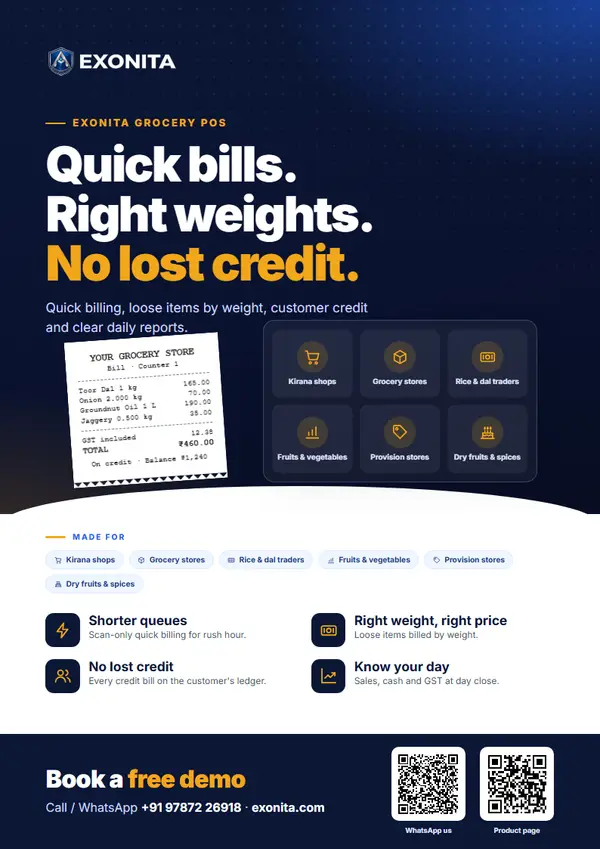
Poster
Exonita Grocery POS poster
A one-page A4 poster to put up on a wall, a counter or a notice board.
PDF · 1 page · 1.0 MB
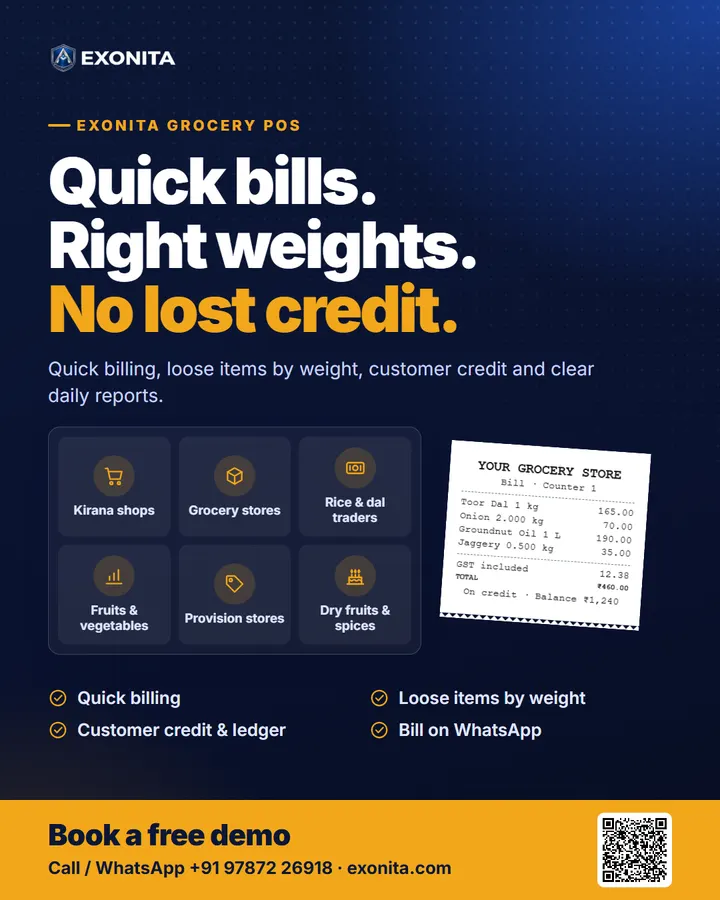
Download PDFDownload the social poster (1080 × 1350, for WhatsApp status and social media).