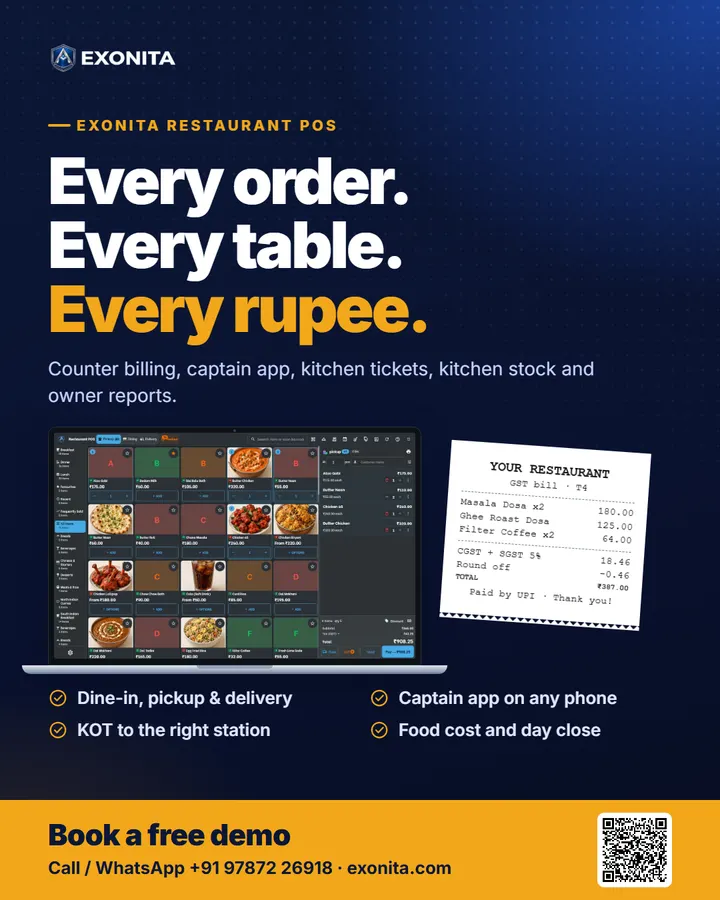
Exonita Restaurant POS
Restaurant POS
One system for your counter, captains, kitchen and accounts. Bill faster, waste less, and see how your restaurant is doing from anywhere.
Ready to use
Made for
RestaurantsCafésBakeries & sweetsCloud kitchensHotels & messesCaterers
What it does
Faster counter
- Dine-in, pickup & delivery on one screen
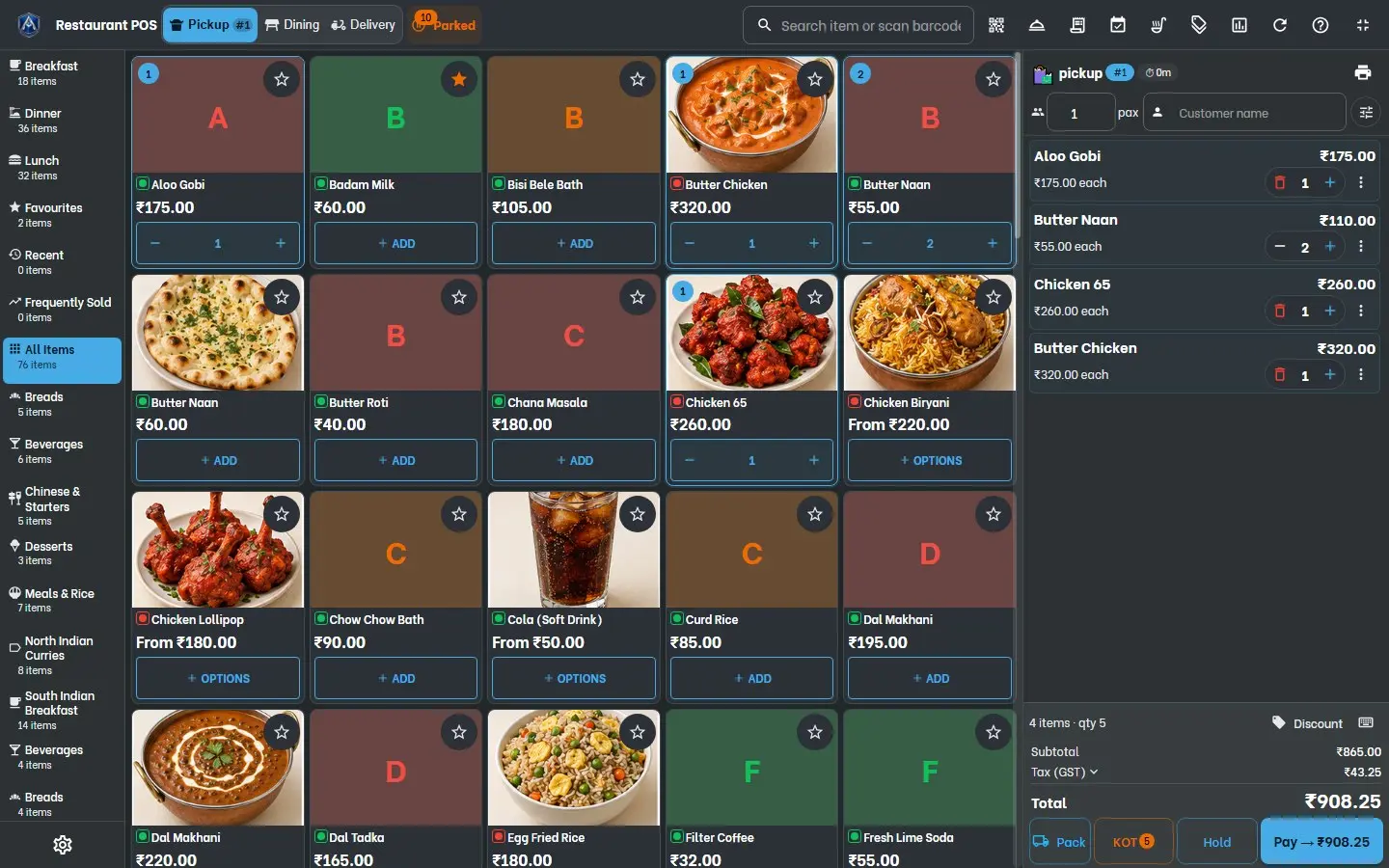
- Food photos and one-tap add
- Cash, card, UPI or split; quick pay
Smarter kitchen
- Captains order from any phone
- KOT prints at the right station
- Recipes, stock, wastage and food cost %
Clear accounts
- Sales, GST and payment reports
- Tills counted, day closed with checks
- Every branch, from your phone
Features
- Restaurant billing counter
- Pickup, dining and delivery on one screen with food photos, quick pay, hold and park.
- Captain app
- Waiters open tables, add dishes and send orders to the kitchen from any phone.
- KOT and kitchen display
- Tickets print at the right station, or show on a kitchen screen: New, Preparing, Ready.
- Kitchen stock and food cost
- Recipes per dish, receiving, counts, reorder, prep, wastage and food cost %.
- Owner reports and GST
- Dashboard, revenue report, GST returns with GSTR-1 JSON, tills, Z-report and day close.
- Catering, staff and expenses
- Event orders with advances, staff attendance and payroll, owner-approved expenses.
Also included
Table reservationsDelivery zonesWhatsApp campaignsDaily summary by emailRoles and two-step sign-inCloud data, nightly backups
How to start
- Free demoSee it running with a restaurant menu.
- Menu & setupWe load dishes, GST, tables and printers.
- Hardware & trainingCounter installed, staff trained.
- Go liveFirst bill on day one, with support.
Software and hardware quoted to fit your counters, captains and branches. Printers, cash drawer and counter PC supplied and installed.
Questions
Do captains need a special device?
No. The captain app runs on any phone: waiters open tables, add dishes and send the order to the kitchen.
Can it print kitchen tickets at different stations?
Yes. Each dish group prints its KOT at the right station, or shows on a kitchen display.
Does it track food cost?
Yes. Recipes per dish use up kitchen stock as you sell, and the food cost panel shows theoretical, wastage and actual cost.
Flyer and poster
Print them or forward them on WhatsApp. More on exonita.com/brochures.
Poster
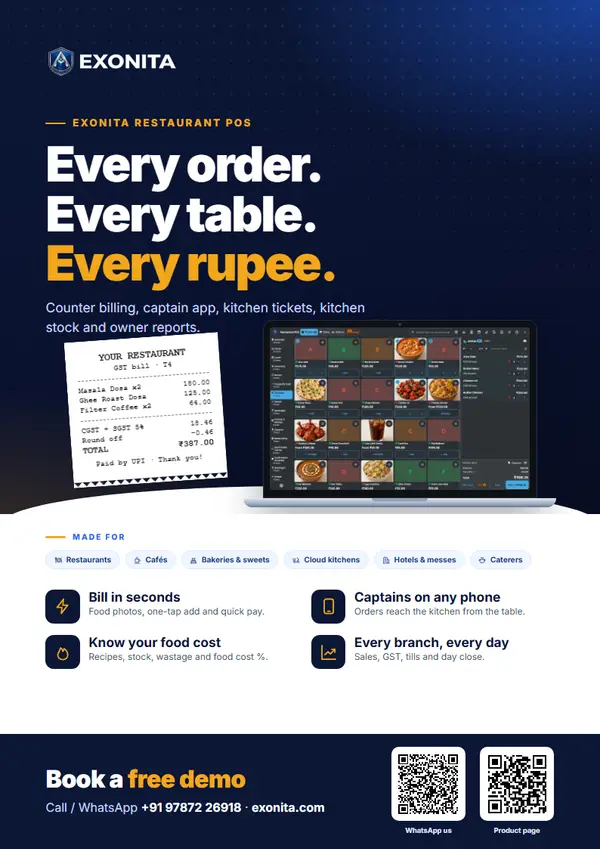
Exonita Restaurant POS poster
A one-page A4 poster to put up on a wall, a counter or a notice board.
PDF · 1 page · 1.6 MB
Download PDFDownload the social poster (1080 × 1350, for WhatsApp status and social media).