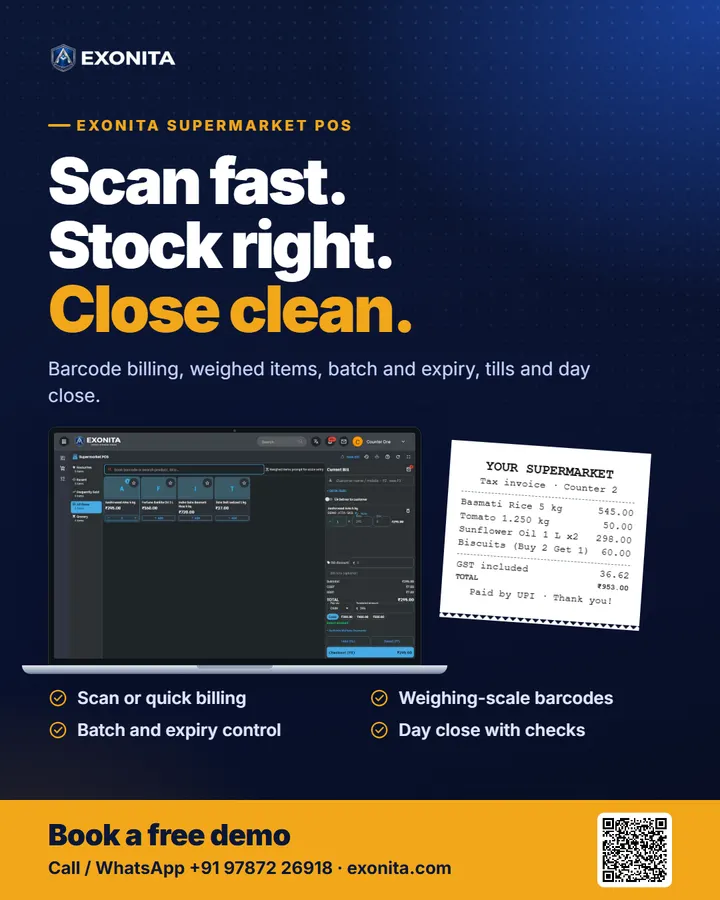
Exonita Supermarket POS
Supermarket POS
Barcode-first billing for busy checkout counters, with weighed items, batch and expiry control, tills and day close in one system.
Ready to use
Made for
SupermarketsDepartmental storesMini martsMulti-counter storesMulti-branch chainsSpeciality food stores
What it does
Faster checkout
- Scan or search; quick billing screen
- Weighed items and scale barcodes
- Cash, card, UPI or split payments
Stock you trust
- Batch and expiry picked at billing
- Goods receipt, stock take, transfers
- Barcode and shelf labels
Clean closing
- Tills counted per cashier
- Day close with checks
- Sales, GST and stock reports
Features
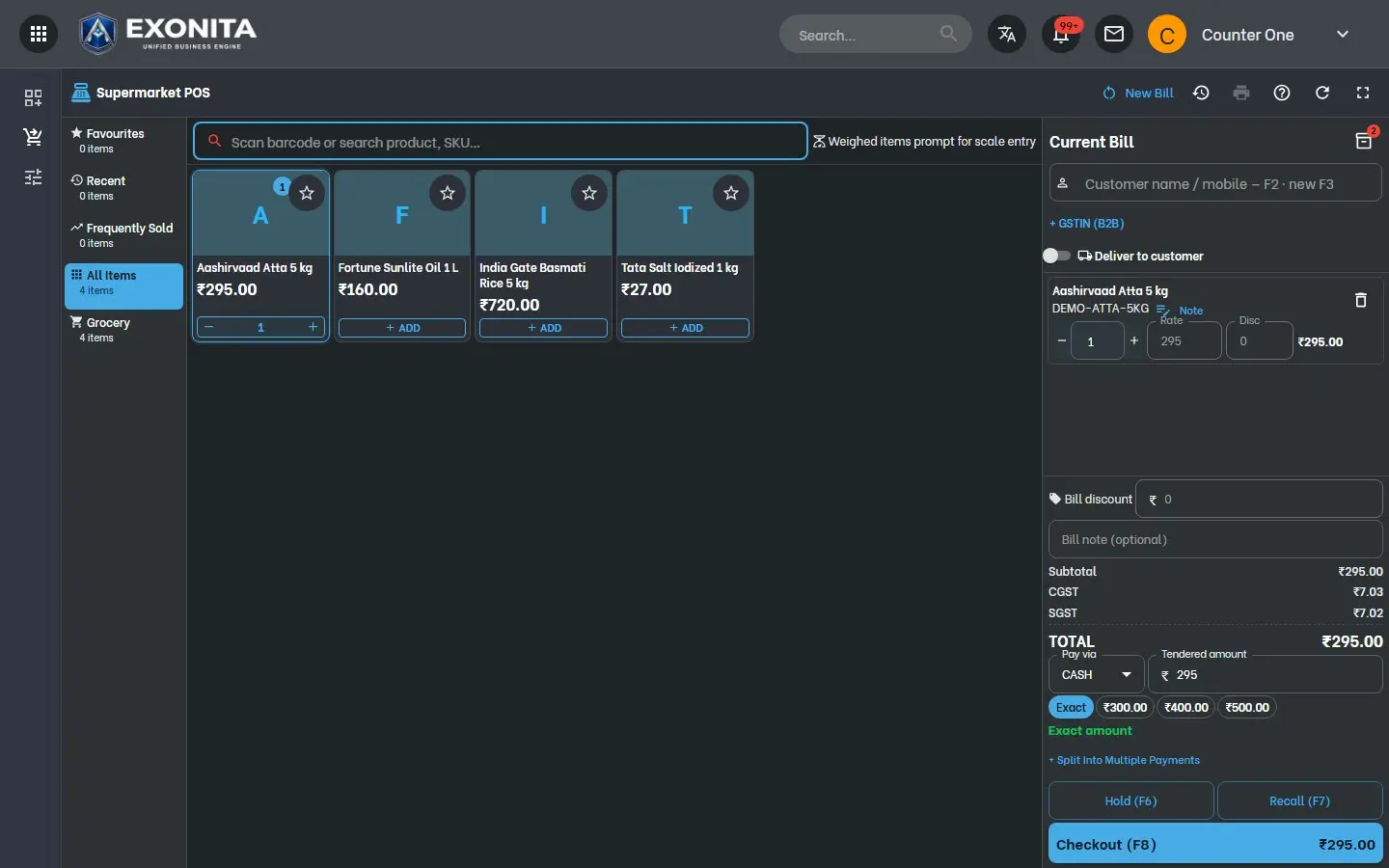
- Standard and quick billing
- Two counter screens: product tiles, or scan-only for the fastest queue.
- Weighed and loose items
- The bill asks for the weight, and reads EAN-13 weight or price barcodes from your scale.
- Batch and expiry at billing
- Pick the right batch and see which items are close to expiry.
- Offers applied by themselves
- Percentage off, amount off, and buy X get Y.
- Hold, recall and returns
- Park a bill for the next customer, bring it back, or take a sales return.
- Labels and barcodes
- Print barcode labels and shelf labels for your items.
- Tills and day close
- Each cashier opens and counts a till; the day closes only when every till is counted.
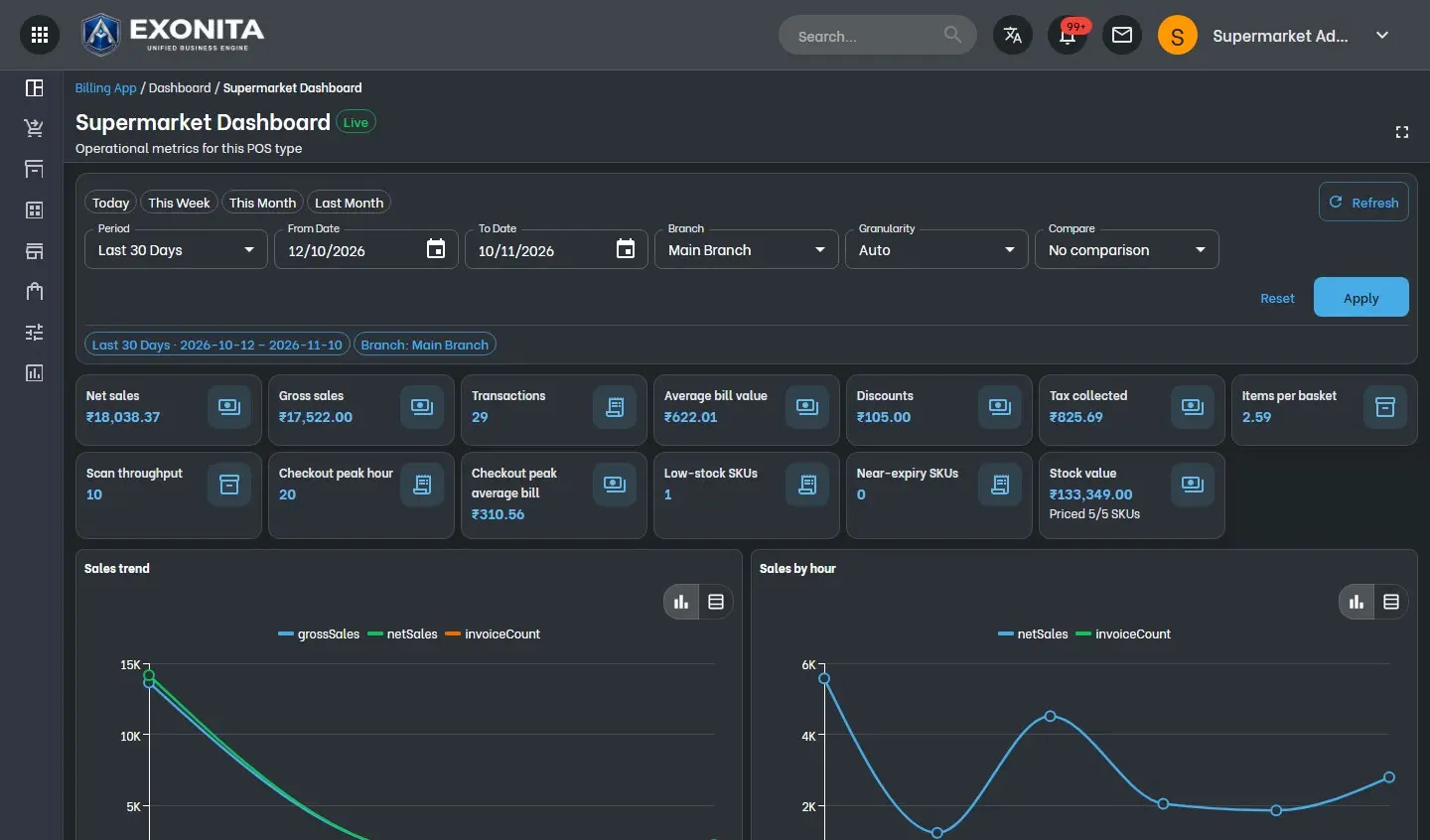
- Supermarket dashboard
- Net sales, average bill, items per basket, peak hour, low stock, near expiry and stock value.
Also included
Goods receipt (GRN)Godown and branch transfersCustomer credit and ledgerGST returnsDaily summary by emailRoles and two-step sign-inCloud data, nightly backupsThermal and A4 bills
How to start
- Free demoSee it running with a supermarket catalogue.
- Items & setupWe import your items, GST, counters and printers.
- Hardware & trainingScanners and printers installed, cashiers trained.
- Go liveFirst bill on day one, with support.
Software and hardware quoted to fit your counters and branches. Barcode scanners, printers and counter PCs supplied and installed.
Questions
Can it read barcodes from my weighing scale?
Yes. It reads EAN-13 scale barcodes that carry the weight or the price, and for items without a barcode the bill asks for the weight.
Is there a faster screen for rush hours?
Yes. Quick billing is a scan-only screen with keyboard shortcuts, next to the standard screen with product tiles.
Does it track expiry?
Yes. Stock is kept by batch with expiry dates; the cashier picks the batch at billing and the dashboard lists near-expiry items.
Can several cashiers bill at once?
Yes. Each cashier opens their own till on their counter, and the day closes only after every till is counted.
Flyer and poster
Print them or forward them on WhatsApp. More on exonita.com/brochures.
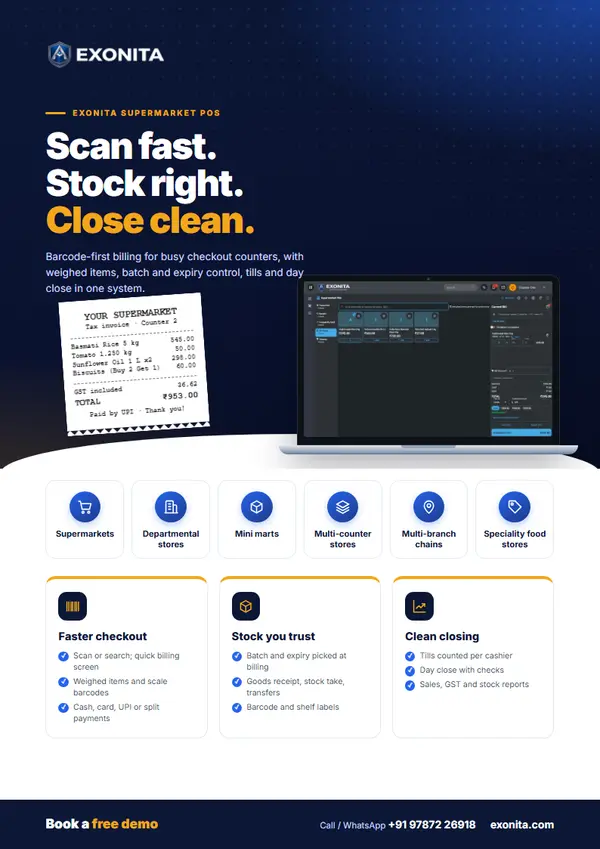
Flyer
Exonita Supermarket POS flyer
A two-sided A4 handout: who it is for, what it does and how to start, with QR codes to book a demo.
PDF · 2 pages · 1.8 MB
Download PDF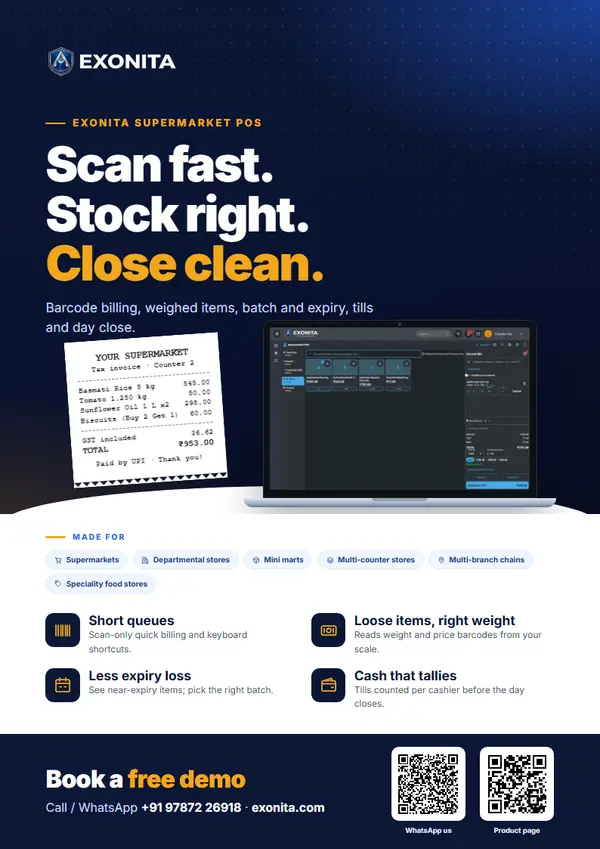
Poster
Exonita Supermarket POS poster
A one-page A4 poster to put up on a wall, a counter or a notice board.
PDF · 1 page · 1.2 MB
Download PDFDownload the social poster (1080 × 1350, for WhatsApp status and social media).